A missed definition or an unclear lecture slide can make exam week far harder than it needs to be. The best AI note-taking apps for college students turn rough class material into searchable notes, study prompts, and useful summaries without replacing your own attention in class. By functioning as essential productivity tools, these modern AI note-taking apps can seamlessly convert complex lectures into organized voice-to-text notes.
The right choice depends on how you learn. Some students need a lecture transcript, while others need a better system for readings, PDFs, and scattered assignment details.
Key Takeaways
- Match your study style: The best AI note-taking app depends on whether you type, handwrite, study heavy readings, or need to record lectures.
- Treat AI as a first draft: Always verify AI-generated summaries, dates, formulas, and definitions against official course materials and professor slides.
- Leverage specialized tools: Use apps like Otter.ai for audio transcription, NotebookLM for research-heavy readings, and Notion or OneNote for course organization.
- Prioritize privacy and consent: Always ask your professor for permission before recording lectures and check an app’s privacy policies before uploading sensitive materials.
What makes an AI note app useful in college?
A useful note app should reduce the time you spend hunting for information. It should not create a second pile of work that needs constant fixing.
For most students, five features matter most:
- Fast capture for typing, handwriting, voice notes, or photos of whiteboards, including real-time transcription powered by advanced speech recognition to turn class audio into accurate voice-to-text notes.
- Searchable organization so a term from week two is easy to find before finals.
- Source-aware summaries that point back to your uploaded reading, automated summaries of lectures, and clear tracking for assignment action items.
- Cross-device access between a laptop, phone, and tablet, alongside smooth team collaboration and project management features for group study sessions on video conferencing platforms.
- Clear privacy controls, ensuring strong data privacy compliance especially if you record a class, upload sensitive material, or use tools built for general meeting transcription.
AI can summarize a lecture, suggest a study guide, and pull themes from several readings. Still, it can mishear names, omit qualifications, and state incorrect facts with confidence. Treat generated notes as a first draft. Compare important details against the professor’s slides, assigned reading, or original recording.
A clean transcript is not proof that every statement in it is correct. Review dates, formulas, quotations, and assignment instructions before relying on an AI summary.
Price matters, too. Free plans often handle basic AI note-taking apps well, but place limits on transcription minutes, AI prompts, file uploads, or storage. Paid plans usually make sense only when you use those limits every week, and choosing the right AI note-taking apps depends entirely on how heavily you rely on them for daily studying.
Best AI note-taking apps for college students
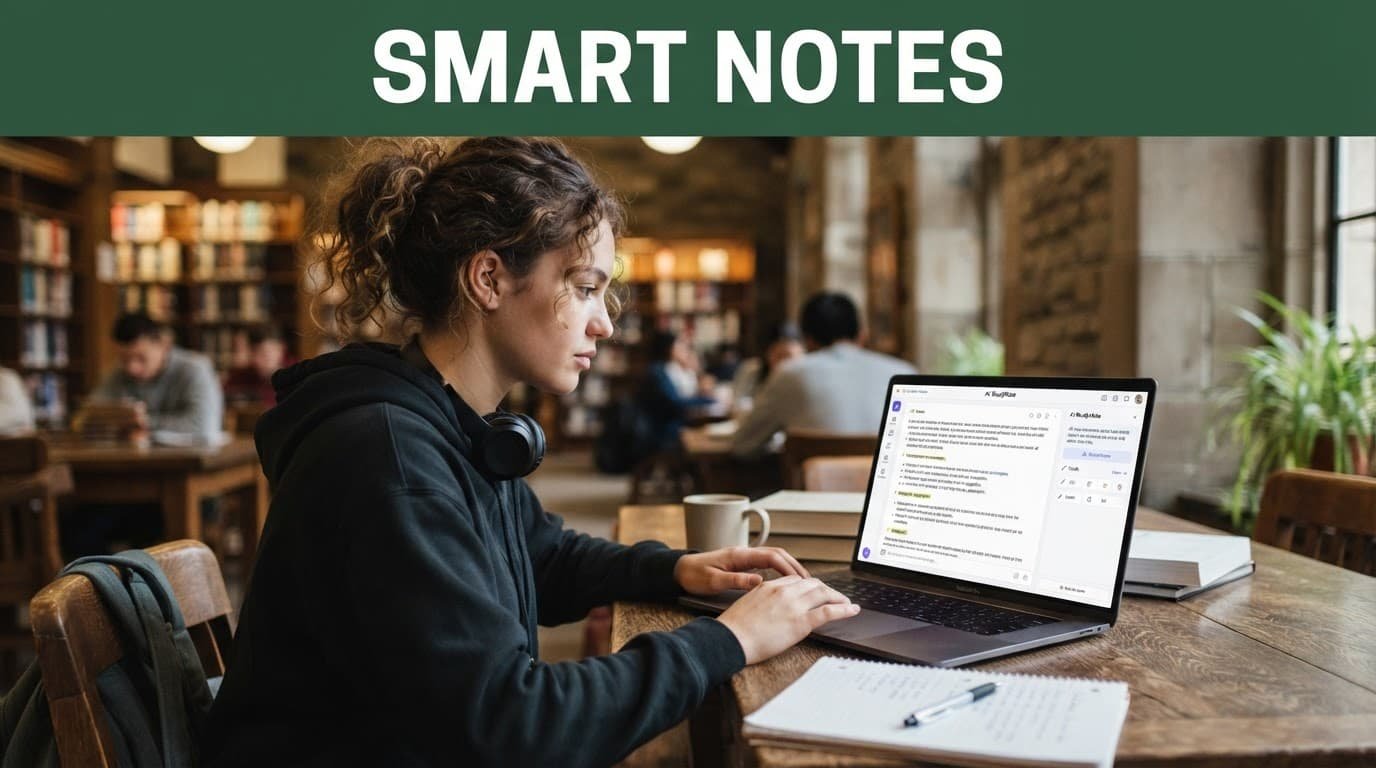
The best AI note-taking apps for college students do different jobs well. A philosophy major annotating articles has different needs than a nursing student reviewing a fast-paced lecture.
| App | Best for | What the free plan handles | What paid features add |
|---|---|---|---|
| Notion | Organizing courses, readings, and projects | Pages, databases, templates, and collaboration | Expanded AI access and workspace features, depending on plan |
| Microsoft OneNote | Flexible notes with no monthly cost | Full note-taking canvas and cross-device sync with a Microsoft account | Copilot access may require an eligible Microsoft plan |
| Google NotebookLM | Studying from assigned sources | Source-based questions and summaries within usage limits | Higher limits through eligible Google AI plans |
| Otter.ai | Recorded lectures and group meetings | A limited amount of transcription | More transcription minutes and advanced workspace tools |
| Obsidian | Private, connected study notes | Personal use of the local note app | Optional Sync, Publish, and other services |
| Notability | Handwritten iPad notes and PDF markup | Core digital note-taking features through Notability Lite | Expanded tools and subscription features that vary by region |
Notion is a strong home base for students who like structure. You can make a course dashboard, connect a reading list to class notes, and use custom templates to handle group project management. The free workspace is enough for many students who want organized notes, and it supports team collaboration when working on shared assignments. Its AI tools are more useful when you already keep clean pages and clear headings.
However, Notion can tempt you into spending an hour designing a dashboard instead of reviewing biology. Start with one page per course, then add only what you use. Current pricing reports place full AI access in higher-tier plans, so check your account’s plan details before subscribing.
Microsoft OneNote remains one of the best free options. Its open canvas works well for sketching diagrams beside typed notes, pasting slides, and arranging material in notebooks and sections. You can use the core app free with a Microsoft account. Copilot-style AI features depend on your Microsoft license, so don’t assume they’re included.
Google NotebookLM is especially helpful for reading-heavy classes. Upload course readings, your own notes, or lecture slides, then ask questions based on those sources. Because it grounds answers in the files you provide, it is often more useful for study sessions than a general chatbot. Check every cited passage, though, because a source-grounded answer can still miss context.
Obsidian suits students who want their notes stored locally and linked together. The personal app is free, and backlinks can connect a lecture on cell division to later notes on genetics. Its built-in approach is less focused on automatic transcription, but it is excellent for building a long-term knowledge library. Optional syncing costs extra if you want the company’s service rather than your own sync method.
For audio-heavy courses, Otter.ai functions as one of the top AI meeting assistants available to students. It specializes in meeting transcription, using speaker identification to keep track of who said what during study groups. You can quickly turn live discussions into structured meeting minutes for later review.
A recent student-focused AI note-taker roundup also highlights NotebookLM, Notion AI, Otter, and Goodnotes. Use rankings as a shortlist, then test each of these AI note-taking apps with one real week of coursework.
Otter and Notability for lecture-heavy classes

Otter.ai is the most direct pick when your biggest problem is turning spoken classes into text. It provides reliable real-time transcription, making it useful for lecture halls, guest lectures, office hours, and study-group sessions where you need accurate meeting transcription. It also features speaker identification to help separate different voices during group projects, letting you easily turn spoken discussions into voice-to-text notes. After class, you can quickly review the generated meeting minutes and extract any assigned action items. The free plan lets you try transcription, but it comes with limits. A paid plan is more practical if you record several long sessions each week.
Keep expectations realistic. Lecture halls create messy audio, and transcription quality drops when classmates whisper, the professor moves away from the microphone, or technical terms are unfamiliar. Use Otter’s transcript as an index to the recording, not as a final set of notes.
Notability makes more sense for students who learn by handwriting. On an iPad, you can write beside a PDF, mark up lecture slides, and keep high-quality audio recording connected to your notes. Some students also use bot-free recording tools to capture virtual sessions without intrusive bots joining the call. Notability Lite offers core note-taking, while subscriptions expand the app’s tools and may differ by country or app-store region.
The strongest setup for many iPad users is simple: handwrite key ideas in Notability, then create a short review page in OneNote, Notion, or NotebookLM to track key action items. That keeps your active thinking separate from the AI-generated recap.
Some students also use Goodnotes for handwritten notebooks and PDF annotation. Feature preferences vary sharply, so personal accounts in a community discussion about AI note apps can reveal practical frustrations that polished feature lists leave out. They are useful anecdotes, not evidence that one app will fit every course.
Match the app to your study habits
Start by choosing the job you need done most often. A single app rarely excels at recordings, handwriting, research storage, and task planning at once.
If you mainly type notes and want a free system, begin with OneNote. It is forgiving, widely available, and easy to organize by semester. Students who want a visual course planner may prefer Notion, especially as one of the flexible productivity tools for tracking readings, deadlines, and project management tasks.
For dense readings and research papers, NotebookLM can save time. Upload only materials you are allowed to store there, then ask it to compare arguments, define terms from the text, or create practice questions. Keep your original files organized because the quality of your prompts depends on the quality of your sources.
Choose Otter if missing spoken details causes real problems. It is less useful for a class where the professor already posts detailed slides and more useful for discussion-based courses where capturing action items matters. Meanwhile, Obsidian is a good fit if you want control over local files and enjoy linking ideas across several classes.
Before committing, run a low-risk test:
- Use the free plan through one lecture, one reading assignment, and one study session.
- Check how quickly you can find a term, assignment detail, or past action items three days later.
- Compare its summary against your own notes and the course material.
- Pay only if the tool saves enough time to justify a recurring cost.
A longer student comparison of AI note-taking tools can also help you spot features that matter to your routine, such as offline access, export formats, and transcription accuracy.
Recording lectures: consent, privacy, and academic judgment
Never press record automatically. Ask your professor before starting any audio recording of a lecture, even if the app claims it can capture sound discreetly. Your college may have classroom recording rules, and some courses involve student discussion, client scenarios, patient cases, or unpublished research. When attending remote lectures or virtual study groups via video conferencing, the same ethical considerations apply. Choosing bot-free recording features can help when professors prohibit unauthorized third-party attendees in online classrooms.
A professor’s permission does not make it appropriate to share the file. Keep recordings and transcripts private unless everyone involved agrees. Do not upload classmates’ personal information, counseling discussions, clinical details, or exam content into an AI system.
Read the app’s privacy policy before adding course files to ensure proper data privacy compliance. Local-first tools such as Obsidian give you more control over where notes live. Cloud services and various AI meeting assistants can be convenient, but you should understand who can access the content, how long it is retained, and whether the service uses it to improve products.
AI also needs boundaries during assessment. If an instructor bans outside AI help for a take-home task, a generated study guide may still violate the rule. Follow the course policy, even when the app feels like a spell-checker with extra features.
Frequently Asked Questions
Are AI note-taking apps free for college students?
Many AI note-taking apps offer robust free tiers or student plans, though they often come with limits on monthly transcription minutes, file uploads, or advanced AI prompts. Paid subscriptions are generally only necessary if you exceed those free limits consistently every week.
Can I record every college lecture with an AI app?
No. You must always ask your professor for explicit permission before recording any class, as many institutions have strict classroom recording rules and some discussions involve private or unpublished research.
Are AI-generated lecture summaries always accurate?
Not always. While AI tools are great for organizing notes, they can occasionally mishear names, hallucinate facts, or miss critical nuances, which is why you should always cross-reference them with your primary course materials.
Which AI note-taking app is best for handwritten notes?
Apps like Notability and Goodnotes are ideal for students who prefer handwriting on a tablet, allowing you to annotate PDFs, sketch diagrams, and sync audio recordings directly to your written notes.
Choose the app that makes review easier
The best AI note-taking apps for college students are the ones you will still open in week twelve. Whether you rely on productivity tools like a free OneNote notebook, a source-based NotebookLM study session, or a well-organized Obsidian vault, simplicity always beats an expensive app you abandon after two lectures.
Use AI to locate ideas and shorten routine review while keeping your own notes, judgment, and professor-approved materials at the center of your study process. By utilizing automated helpers for reliable meeting transcription, accurate automated summaries, and clear tracking of study action items, you can save valuable time. Ultimately, modern AI meeting assistants streamline prep work without ever replacing genuine learning.Artificial Intelligence 2026: What It Does and Where It Fits