
Publishing tech content in 2026 feels like running on a treadmill that keeps speeding up. With new phones, laptops, AI apps, and software updates landing every week, thin articles disappear fast. Mastering your content marketing strategy has become essential to ensure your work reaches the right audience.
The right AI writing tools can cut research time, shape cleaner drafts, and help your blog posts rank in search results. By leveraging an AI writing assistant, you can streamline your process and maintain a consistent publishing schedule. Still, the best option depends on what you publish, how often you publish, and how much editing you want to do yourself. That difference becomes obvious once you start comparing real tools instead of just feature lists.
Key Takeaways
- ChatGPT and Claude remain the most flexible writers for tech bloggers who prioritize control over tone and structure.
- Surfer AI, Frase, and Scalenut are the best options when search traffic is just as important as writing speed.
- Koala Writer offers standout value for solo bloggers, while Jasper is superior for brand voice and team-based workflows.
- Superior results usually come from using a dedicated stack rather than a single app, because research, drafting, optimization, and editing are distinct tasks.
- While AI-generated content saves significant time on tech posts, you still need rigorous human editing for technical specifications, benchmarks, pricing, and product claims.
What tech bloggers should judge first
A good AI writer for a travel blog can still be a poor fit for a tech site. Product coverage has tighter margins for error because readers notice bad specs, stale prices, and vague claims right away.
For that reason, four things matter more than flashy demos when building your SEO content strategy. First, the tool has to handle fresh information well. Second, it should produce readable comparisons, not padded copy. Third, it needs some way to support SEO, whether through briefs, scoring, or WordPress help. Finally, the price has to make sense for your volume of blog posts.
Ease of use matters too. If a tool needs ten prompts and three exports before you can clean up a post, it stops saving time. Bloggers covering phone launches, laptop deals, or AI software updates need something that moves from notes to draft without friction.
Value is wider than the monthly fee. A $99 tool can be worth it if it helps a content site publish ranking pages faster. On the other hand, a $9 tool can be the smarter buy for a solo reviewer who edits heavily and publishes two posts a week. A broad review of 27 AI writing tools shows how wide the pricing spread has become, and that spread matters because these tools now overlap more than they differ.
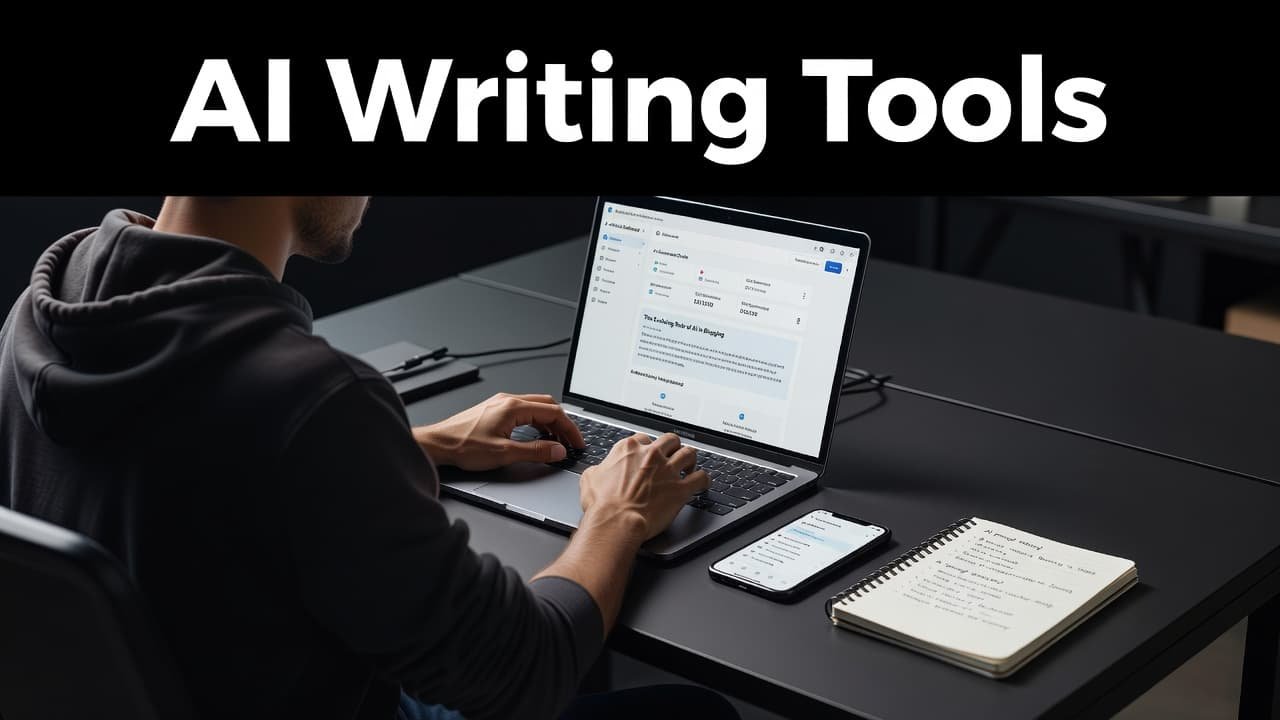
Most tech bloggers don’t need the smartest tool on paper. They need the one that fits their actual content creation process, from research to publish.
The all-purpose AI writers worth starting with
If you are only paying for one tool, start with a general writer and add specialists later. That approach gives you the most flexibility, especially when your content mix includes news, comparisons, tutorials, and affiliate roundups.
This quick table sets the baseline.
| Tool | Best use | Starting price | Strongest point | Main drawback |
|---|---|---|---|---|
| ChatGPT | Outlines, drafts, updates | Free plan | Flexible workflows, custom GPTs | Can sound polished but generic |
| Claude | Long-form explainers | Free plan | Natural flow across long posts | Limited built-in SEO help |
| Gemini | Google-based workflows | Free | Fast summaries, Google ecosystem | Drafts can feel thin |
| Perplexity | Research and sourcing | Free plan | Quick web-backed answers | Weaker final prose |
| Surfer AI | SEO article production | $99/mo+ | Optimization and scoring | Expensive for solo sites |
| Frase | SERP research and briefs | $14.99/mo entry | Strong content briefs | Draft quality varies |
| Jasper | Brand voice and teams | $49 to $69/mo+ | Tone control and collaboration | Cost rises fast |
| Koala Writer | Budget long-form posts | $9/mo | Low-cost volume drafting | Needs careful fact checks |
| Rytr | First drafts | Free plan | Budget-friendly generation | Limited feature set |
ChatGPT remains the most adaptable choice. It handles outlines, rewrites, title testing, FAQ sections, and fast post refreshes well. When you hit a wall with writer’s block, feed it your notes on a Snapdragon launch, a laptop spec sheet, or a software changelog, and it will usually turn that material into a workable draft quickly. Its weakness is familiar: left alone, it defaults to smooth language that sounds fine and says little.
Claude is the better choice for long-form content. It tends to hold structure better across 1,500 to 2,500 words, and its paragraphs often read less mechanical. For buyer’s guides, deep software comparisons, and trend explainers, that edge matters. The trade-off is simple, as you won’t get much built-in SEO guidance, so Claude works best when paired with Frase or Surfer.
An independent hands-on comparison of eight AI writers lands on a similar point: ChatGPT and Claude keep swapping the lead because they solve different parts of the same problem.
Gemini is more useful than its reputation suggests. If you already store notes, docs, and research inside Google’s ecosystem, it fits naturally into that workflow. Yet its drafts often need more sharpening than Claude’s, especially for opinionated tech writing.
Perplexity isn’t the best final writer, but it serves as a powerful AI writing assistant for research. When you need quick source gathering around launch dates, chip names, pricing tiers, or vendor claims, it saves time.

Photo by Markus Winkler
SEO tools that help tech posts rank
General AI writers can produce a draft, but SEO-focused tools help turn that draft into a page with a better shot at traffic. For tech bloggers, that matters most on posts where search intent is high, such as “best budget gaming laptop,” “iPhone vs Galaxy camera comparison,” or “top AI tools for students.”
Surfer AI and Surfer SEO are still the cleanest examples of this category. At $99 per month, they aren’t cheap, but they do give you real-time content optimization and a clearer sense of whether your article covers the topic in enough depth. That’s helpful when you’re building comparison pages or updating evergreen buyer’s guides. The downside is cost, and the copy can feel over-shaped if you chase every suggestion.
Frase remains one of the better value picks. Its entry plan starts around $14.99 per month, while fuller brief functionality sits around $45. Frase shines before the draft, not after it. It pulls SERP patterns, assists with keyword research, and helps outline what competitors cover to provide a useful brief for a post on laptops, AI apps, or software alternatives. The writing itself is fine, but the research layer is the reason people keep paying for it.
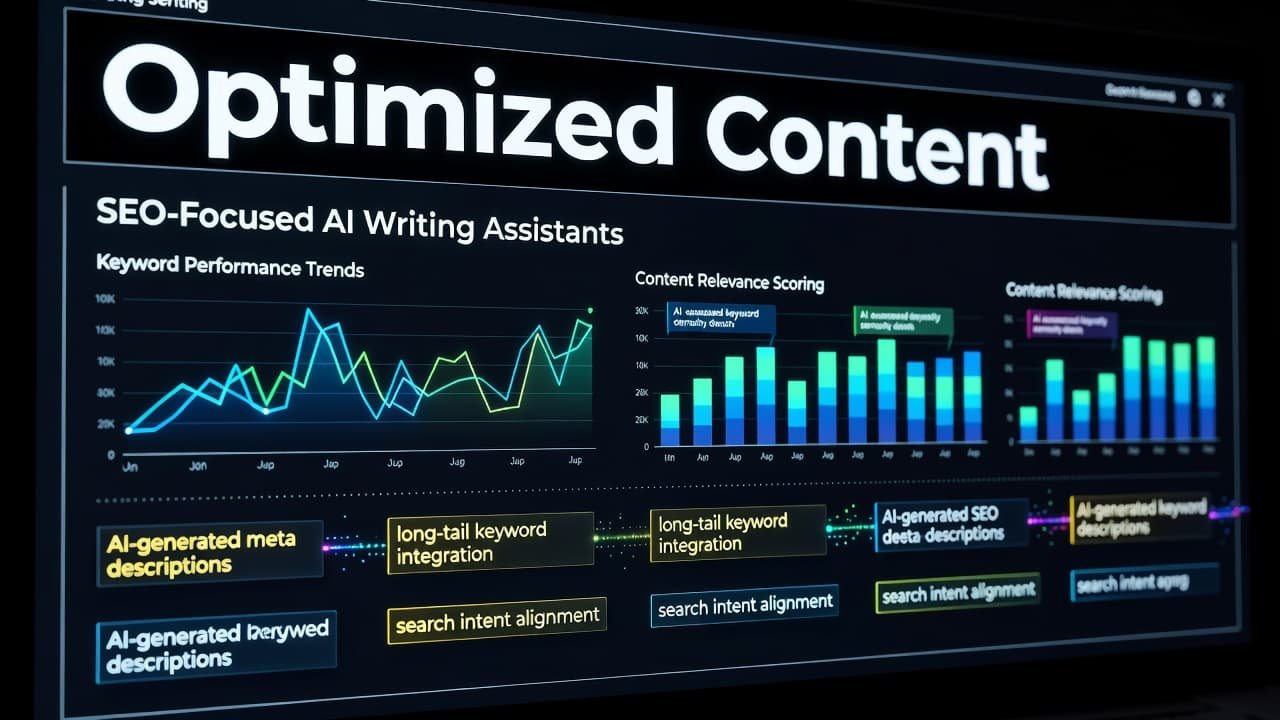
Scalenut sits in a smart middle ground at about $37 per month. Its Cruise Mode helps speed up article production, so it is a strong fit for bloggers publishing many posts across phones, apps, and accessory categories. Still, the interface can feel busier than it should, and the output needs cleanup before publication.
SEOWriting AI has earned a loyal following among blog-first publishers because it moves fast. In research notes gathered for 2026, one blogger said it handled 80 percent of their blog posts. That tells you where it fits: fast production, decent structure, and less friction than a bulky SEO suite. Yet speed has a cost, because factual checking and tone cleanup still fall on you.
If you publish in WordPress, AIOSEO’s AI Assistant deserves attention because it works inside the editor. That setup removes context switching, which is a real benefit on busy publishing days. A recent roundup of AI blog post generators reflects the same pattern, bloggers stick with tools that meet them where they already work.
HubSpot AEO and Outrank are more specialized. HubSpot AEO, around $45 per month, leans into visibility recommendations. Outrank, at $99 per month, pushes harder toward automation and even backlinks. Both can help content-heavy operations, but many independent tech bloggers will want more editorial control than a highly automated system allows.
Faster drafting for reviews, roundups, and affiliate posts
Not every post needs a full SEO stack. Sometimes you need a clean draft for “best Android phones under $500” or “five AI note-taking apps worth testing” before the news cycle moves on.
Jasper AI is still one of the better premium options for that job. It preserves brand voice better than most tools, which matters if you run a site with multiple writers or a clear editorial style. It also works well for supporting copy, including email blurbs, social media posts, product descriptions, and category intros. The downside is price. Entry plans for Jasper AI sit around $49 per month, and standard access is closer to $69, so it makes the most sense when tone consistency is part of the business model.
Koala Writer wins on value. Its $9 plan gives 15,000 words per month, the $49 Pro plan jumps to 100,000, and the $99 Boost plan reaches 250,000. For solo bloggers publishing affiliate posts, deal pages, and light buyer’s guides, that is hard to ignore. Koala is quick, and it usually builds a usable structure without much prompting. Still, it needs careful checking on technical details because it can sound more certain than the evidence allows. If you are looking for a cheaper alternative for quick drafts, Rytr is also a common choice for budget-conscious creators.
Writesonic is another fast producer. It handles long-form blogs and landing-page style marketing copy well, so it is handy for software lists, tool comparisons, and commerce pages. Yet the output often leans formulaic, which means you need to rewrite intros and opinion sections if you want a distinct voice.
Copy.ai is better for short supporting content than deep reviews. It helps with social hooks, email intros, product descriptions, and social media posts, but most serious tech bloggers will outgrow it as a primary article writer. Anyword sits closer to marketers. Its Blog Wizard and brand voice training are appealing, and the plagiarism check adds peace of mind, but highly technical posts still need more manual shaping.
Narrato is worth mentioning for small teams because it combines generation, planning, scheduling, and publishing. That all-in-one setup is useful if your site runs on process, not improvisation. If you mainly need writing help, though, a lighter stack will feel faster.
A practical workflow for phone, laptop, and software coverage
The best setup usually isn’t one app. It’s a small stack where each tool acts as an AI writing assistant to ensure every part of your content creation process runs smoothly.
AI can draft a laptop roundup in minutes, but it still can’t test battery life or notice keyboard flex.
For a practical tech blogging workflow, use this order:
- Start research in Perplexity or ChatGPT. Gather launch notes, pricing, model names, and competing products before you write a word.
- Build the brief in Frase if search intent matters. For a phone review or software comparison, map the headings readers expect, then add your own testing notes.
- Generate first drafts in Claude or ChatGPT for explainers, or use Koala Writer or Jasper for faster commercial posts. Keep your real opinion points outside the prompt, then add them later.
- Optimize in Surfer, SEOWriting AI, or AIOSEO. After that, run a final edit in Grammarly or QuillBot before publishing.

This workflow works because it separates research from writing and writing from optimization. When those jobs blur together, AI tends to produce mushy copy.
For tech niches, keep a repeatable checklist beside the tool. On phone posts, track chipset, cameras, battery, charging, software support, price, and regional availability. On laptop posts, add display brightness, ports, weight, keyboard quality, thermals, and battery results. AI handles the scaffolding; your notes supply the value.
Where AI still needs human editing
Tech blogging still punishes lazy publishing. A tool can write a smooth paragraph about a new laptop, then slip in an outdated GPU name or a guessed battery figure. Readers catch that fast, and search engines are not kind to pages that feel stitched together.
That is why professional human editing remains vital. Grammarly continues to be the default choice for clarity and grammar, and GrammarlyGO adds a generative layer when you need quick rewrites. Its strength is consistency, though its weakness is that it can sand off your unique personality if you accept every suggestion without review.
QuillBot is useful for tightening repetition and fixing clunky wording. It works best late in the process, after the facts are locked. If you lean on it too early, it can paraphrase away precision, which is the last thing a tech article needs.
EditGPT is a handy niche option because it keeps context better than many blunt rewriting tools. That makes it useful for polishing long explainers and preserving meaning while trimming filler.
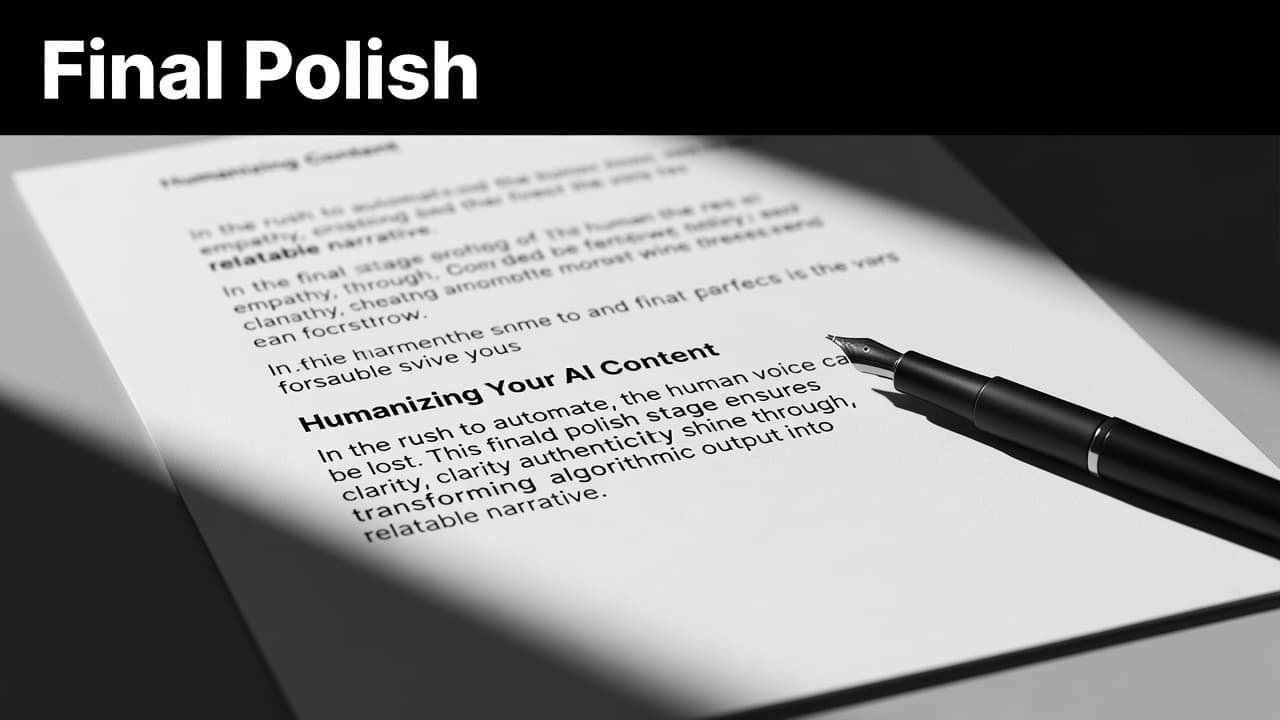
The final human pass should focus on four things: accuracy, voice, usefulness, and evidence. Check every number against the manufacturer or your own source notes, and always run a plagiarism check to ensure your work remains original. Rewrite the intro so it sounds like a person who has followed the category. Add hands-on observations, screenshots, benchmarks, or original opinions. Then cut anything that reads like filler.
A good AI draft saves time, but a good editor makes your blog posts worth reading.
Frequently Asked Questions
Can AI writing tools completely replace human tech bloggers?
No, AI tools cannot replace human expertise, especially in tech blogging. While they excel at drafting structure and summarizing data, they cannot perform hands-on testing, verify technical specifications, or provide unique personal opinions that build reader trust.
Which AI tool is best for beginners on a budget?
For those starting out, ChatGPT and Claude offer free plans that are highly capable for drafting and outlines. If you need a dedicated, low-cost long-form writer, Koala Writer provides excellent value, while Rytr serves as a functional, budget-friendly option for quick drafts.
Should I use one all-in-one tool or a dedicated stack?
Using a dedicated stack is generally superior because it allows you to specialize each phase of your workflow. By separating research tools, drafting assistants, and SEO optimization platforms, you maintain better control over the accuracy and quality of your content compared to relying on a single, broad-purpose application.
How do I ensure my AI-generated content remains accurate?
Accuracy is a manual responsibility that requires rigorous human editing. Always verify specs, pricing, and benchmarks against official manufacturer data and your own source notes, as AI models can hallucinate or rely on outdated training data.
Conclusion
The best choice in 2026 depends less on hype and more on where you lose time. If research slows you down, start with Perplexity or Frase. If drafting is the bottleneck, ChatGPT, Claude, Jasper, or Koala Writer will help more. Ultimately, the right AI writing assistant for your blog should bridge the gap between initial ideation and a polished final draft.
For most tech bloggers, the best stack is simple: one research assistant, one main writer, one SEO layer, and one editing tool. These AI writing tools are designed to streamline your content marketing strategy, helping you produce high-quality posts faster without sacrificing accuracy, voice, or reader trust.