A first draft can save an hour, yet one bland paragraph can cost a client relationship. Comparing OpenAI ChatGPT with Anthropic Claude is less about picking a winner and more about choosing the AI assistant that fits your workflow for research, writing, revision, and content creation.
Both can speed up freelance blog writing in 2026. Neither can replace your judgment, source checking, or understanding of a client’s audience. The practical differences appear when the brief is messy, the source material is long, or the deadline is close.
Key Takeaways
- ChatGPT is often the better all-purpose workspace for brainstorming, outlining, multimodal tasks, and creating varied content quickly.
- Claude is often stronger for long documents, source comparison, sustained revisions, and natural long-form prose.
- Neither AI tool replaces human research, source verification, editorial judgment, or responsibility for published claims.
- The best choice depends on the assignment, client requirements, preferred workflow, and usage limits; many freelancers can benefit from using both.
- A dependable process includes a human-edited outline, verified primary sources, section-by-section drafting, and a final review for accuracy, voice, and compliance.
ChatGPT vs Claude for freelance blog writing
OpenAI ChatGPT and Anthropic Claude are both capable writing partners, but they feel different during real assignments. ChatGPT often works best when a writer needs a broad set of AI tools in one place. Claude often feels more focused when the work involves long documents, sustained edits, and polished prose.

For freelancers, the choice usually comes down to the job at hand. ChatGPT is handy for brainstorming ideas, building quick outlines, creating simple tables, reviewing images, and developing reusable prompt systems. Its broader selection of AI tools can reduce tab switching when a client asks for ideas, structure, and social copy in the same afternoon.
Claude often earns its place during the less glamorous part of the job: reading a 30-page client brief, comparing interview notes through file analysis, or revising long-form content without flattening its personality. Third-party comparisons commonly describe Claude as stronger for long-context work and careful prose, while ChatGPT has wider all-purpose features. This 2026 tool comparison reaches a similar conclusion.
A writer covering home improvement, travel, or personal finance may prefer ChatGPT for broad ideation and multimodal tasks. A B2B freelancer working with dense source files may prefer Claude’s patient handling of lengthy material.
The better assistant is the one that reduces your editing time, not the one that produces the longest first draft.
You don’t need to treat the decision as permanent. Many writers keep one primary subscription and use the other free tier for a second opinion on high-stakes work, creating a practical split system between both platforms.
Draft quality, voice, and revision control
Claude generally produces a calmer first draft with natural prose. Its text generation often follows a requested tone and style with less prompting, especially for explanatory articles that need a smooth flow. When you give it a style guide and ask for a rewrite, it tends to retain the original structure while smoothing awkward phrasing.
That doesn’t mean Claude’s draft is ready to send. It can sound overly careful, repeat itself, or make unsupported statements with confidence. Ask for clear constraints: sentence length, banned phrases, reader knowledge level, and a request to flag claims that need a source.
Claude’s context retention can also be useful when you’re working with long documents, such as a detailed brief, interview transcript, or product guide. Still, review the output as the document grows, since important instructions or distinctions can become less visible in a lengthy draft.
ChatGPT is more adaptable when you want several options quickly. Give it a rough headline and it can suggest outlines for beginner, expert, or comparison-focused readers. It also responds well to iterative direction. For example, you can ask it to turn a 1,200-word draft into a 700-word client newsletter, then turn the strongest section into LinkedIn copy.
However, ChatGPT can push prose toward familiar internet phrasing. Phrases such as “in today’s world” and generic wrap-up paragraphs appear unless you set a firm voice. A useful prompt includes examples from the client’s published work and clear instructions to avoid stock language.
A practical drafting split
Use Claude when you have substantial reference material and need a coherent long-form content draft. Paste the approved brief, voice notes, product documentation, and outline. Then ask for a draft that separates sourced facts from suggested examples.
Use ChatGPT when the assignment starts with a blank page. Ask it for brainstorming ideas, audience questions, content gaps, headline directions, and a detailed outline. Next, move only the approved outline into your drafting process.
Independent reviewers also tend to place ChatGPT ahead on feature breadth and Claude ahead on natural long-form writing, as outlined in this writing and everyday-task review. Your own sample test matters more than any general ranking, especially when evaluating different AI models for a specific client workflow.
Research, SEO, and factual accuracy need human review
Neither model is a research database. Both can summarize public information and suggest useful search terms, but they can misquote sources, blend dates, and invent citations. Treat research and studying as verification tasks, especially when writing about health, money, law, insurance, travel rules, or product prices.
Start with primary sources. For a software review, use the provider’s product documentation and live pricing page. For a health article, use government health agencies, medical organizations, and the original study where possible. Then give the model your verified notes rather than asking it to fill every gap.
ChatGPT can be useful for planning a search path. Prompt it to list the claims a reader would need to verify before publication. For a post about U.K. rail compensation, that list might include eligibility, time limits, claim method, and current rules. You still need to confirm each point with the relevant rail operator or government guidance.
Claude is particularly useful for source comparison. Upload or paste several approved documents, then ask it to identify conflicts, missing definitions, and claims that lack a direct citation. Keep the source links open while reviewing its output.
For SEO work, use both AI tools as assistants rather than keyword machines. Ask for likely search intent, related questions, and a logical heading structure. Then check search results yourself and use your SEO platform for actual keyword data. Repeating a target phrase in every heading makes the article worse, even if a plugin gives it a green score.
AI can help organize evidence, but it cannot take responsibility for a false claim published under your byline.
Client policies also matter. Some brands allow AI only for ideation. Others permit drafting but require disclosure or prohibit uploading confidential material. Read the contract, check the brief, and follow data privacy guidelines when using an AI assistant for client assignments. Never paste unpublished research, passwords, customer data, or private interview transcripts into a personal AI account.
Plans, costs, and limits for independent writers
As of July 2026, ChatGPT Plus and Claude Pro are both commonly listed at $20 per month for individual users. That makes the basic purchase decision easier, but the subscription cost is only part of the decision because usage limits can change and matter more than the sticker price during a busy month.
At the standard paid level, ChatGPT’s Pro version offers a wider mix of writing-adjacent features, including web-enabled assistance, voice options, Custom GPTs, image generation, code generation, and a flexible user interface. Claude’s Pro version concentrates more on chat-based work, document analysis, Projects, and Claude Artifacts. Claude Artifacts can be useful for organizing longer drafts or creating reusable content assets, while Claude Code may be relevant if you work near software development.
Higher-use plans are expensive. Current comparisons describe premium options around $100 and $200 per month for users who need much more capacity. Before upgrading, track how often you actually hit usage limits and whether the added subscription cost supports your workload. A freelancer who writes four posts each month may gain little from a premium tier. A content marketer producing daily drafts, research summaries, and revision rounds may gain back billable time, especially when Claude Artifacts and other workflow features reduce repetitive tasks.
A current pricing and feature comparison is useful for a side-by-side starting point, but confirm prices and limits on each company’s live plan page before you buy. Plans change faster than most comparison articles.
Build a client-ready workflow with either tool
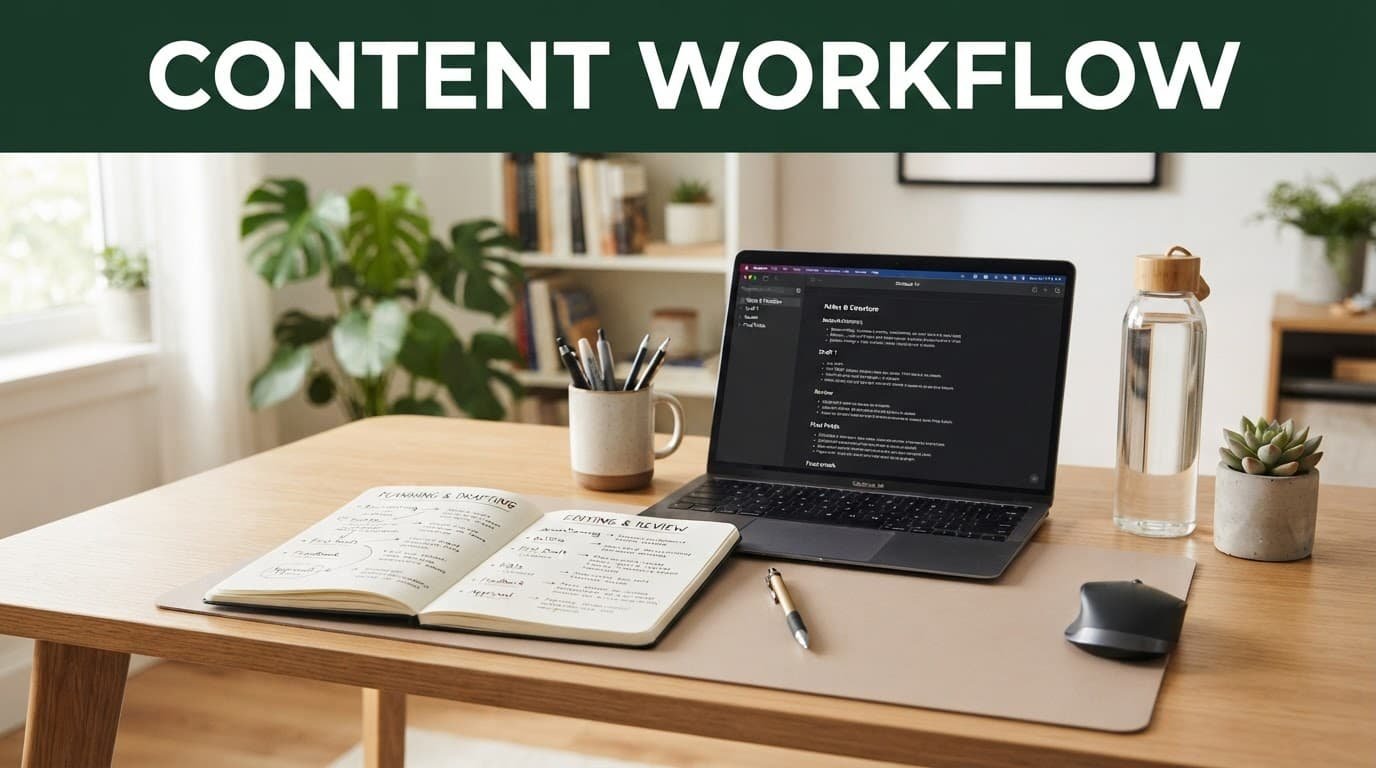
A dependable writing workflow matters more than loyalty to one model. Balance different AI models at each stage, and keep the role of each one narrow so you can catch problems before they reach a client.
- Read the brief, audience details, brand guidelines, and deliverables before opening either tool. Mark claims that require a source and note where specialized AI tools could support research or organization.
- Use ChatGPT or Claude to produce a working outline, then edit the structure yourself. Remove sections that only repeat obvious advice before moving into content creation.
- Research with primary sources and save every URL, date, and quotation in your notes. Feed the verified material into the model if you want drafting help, while keeping research separate from unverified AI-generated claims.
- Draft in sections. After each section, check the facts, add links, and replace vague statements with client-specific details.
- Run a final human edit for voice, accuracy, formatting, internal links, disclosure rules, and compliance requirements.
For example, a writer producing a 1,500-word post for a financial wellness client could ask ChatGPT for ten reader questions, use source material to select the strongest five, and ask Claude to turn the approved outline into a restrained first draft. The writer should still check every rate, rule, and product detail before submission.
This combined process also makes revision requests easier. If a client says the draft feels too sales-heavy, you can point to exact sections and request alternatives rather than regenerating the entire article.
Frequently Asked Questions
Is ChatGPT or Claude better for freelance writers?
ChatGPT is often better for broad ideation, outlining, multimodal work, and fast content variations. Claude is often better for long briefs, document analysis, and polished long-form revisions, so the right choice depends on the assignment.
Can ChatGPT and Claude produce publication-ready articles?
Neither tool should be treated as a replacement for a freelance writer’s final review. Both can produce repetitive language, unsupported claims, or inaccurate citations, so you still need to check sources, improve the voice, and edit for the client.
Which AI is better for working with long documents?
Claude often handles long briefs, interview transcripts, and product documentation particularly well. ChatGPT can also support document-based work, but Claude may feel more consistent when a project involves sustained editing across substantial source material.
Do freelance writers need both ChatGPT and Claude?
No, but using both can be practical. A writer might use ChatGPT for brainstorming and content planning, then use Claude for drafting or revising a long article, while relying on human judgment throughout the process.
Are ChatGPT Plus and Claude Pro the same price?
As of July 2026, both individual paid plans are commonly listed at $20 per month. Prices, features, and usage limits can change, so confirm the current details on each provider’s live pricing page before subscribing.
Final thoughts
For freelance blog writing, ChatGPT is often the better all-purpose workspace, while Anthropic Claude is often the stronger long-document editor and thoughtful drafting partner. Both can save time, but only when your process puts verified research and human editing first.
In the ChatGPT vs Claude comparison, OpenAI ChatGPT or Claude may be the better fit depending on your client requirements, preferred workflow, and usage limits. Run the same real brief through each tool before committing. The draft that needs fewer factual fixes and less voice repair is the one that belongs in your workflow.Artificial Intelligence 2026: What It Does and Where It Fits